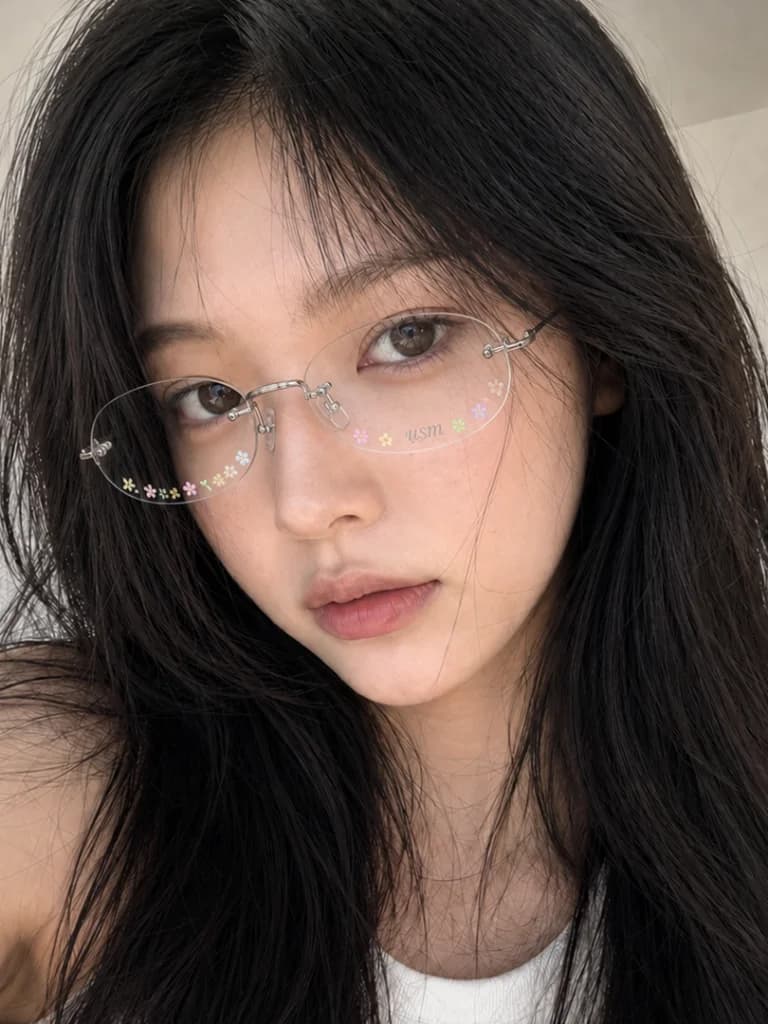
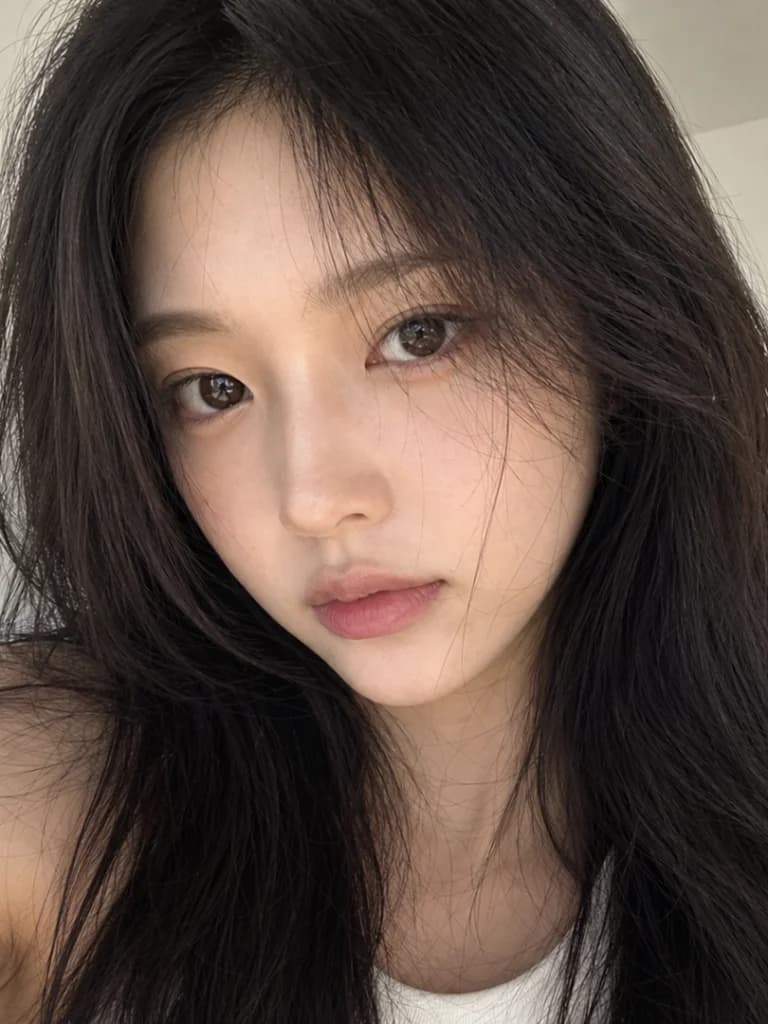
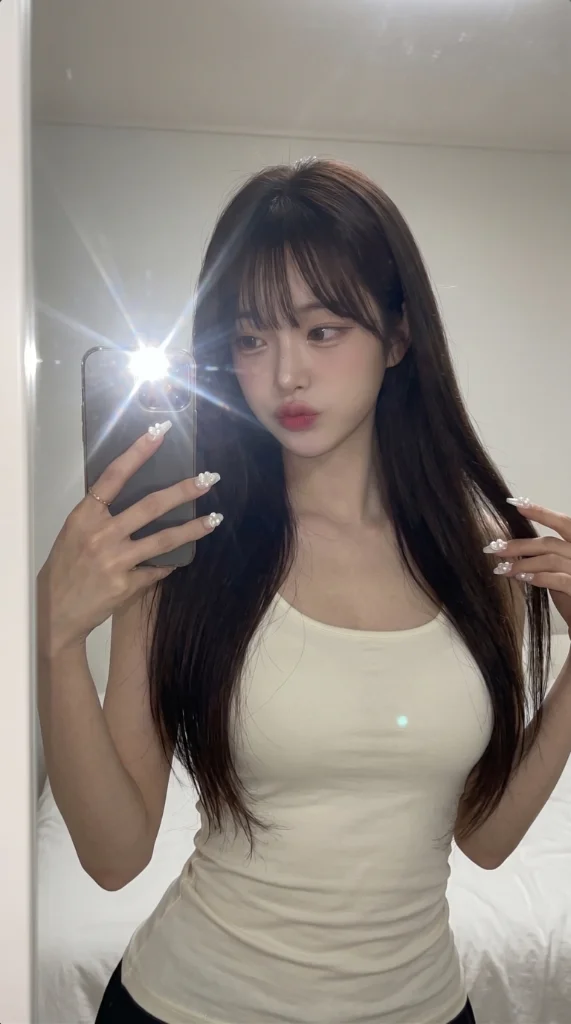
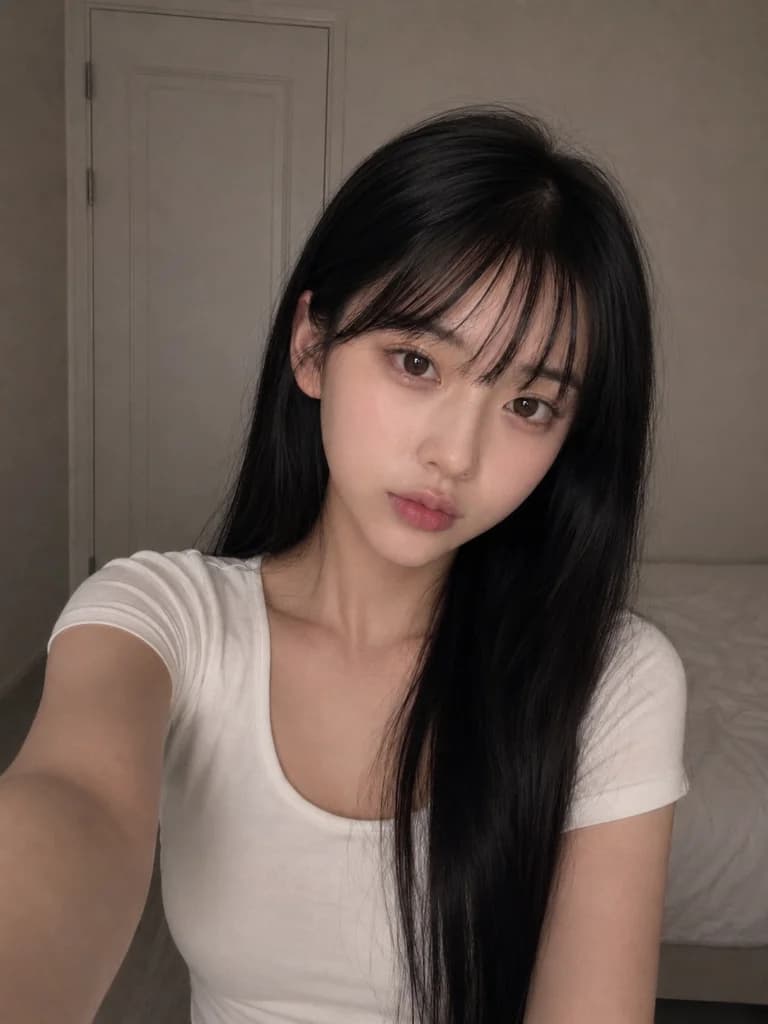
AI LinkedIn Headshot Generator
Look hire-ready without booking a photographer. Nanaba AI turns a plain selfie into a polished, professional headshot for LinkedIn, résumés, and team pages.
用途
Portraits & Headshots
出力
編集済み写真
おすすめ
アプリ向け写真編集
What you can do
- Create a professional headshot for LinkedIn and job applications
- Standardize headshots across a remote team or company about page
- Update a résumé or speaker bio photo quickly
- Generate business-casual portraits with clean studio backgrounds
How to use the LinkedIn Headshot
- 1
Upload selfies
Use clear, front-facing photos with your full face visible.
- 2
Pick a professional style
Choose attire, background, and lighting that fit your industry.
- 3
Generate headshots
Nanaba AI produces a set of professional portrait options.
- 4
Download your favorite
Save the headshot and update your professional profiles.
Frequently asked questions
Does it look professional enough for work?
Yes. The headshots use studio-style lighting, neutral backgrounds, and business attire so they read as professional portraits.
Can I choose my outfit?
You can describe the attire you want, from business casual to formal.
Will it keep my likeness?
Nanaba AI preserves your facial features so the headshot still clearly looks like you.